Static Audio & Video Downloads
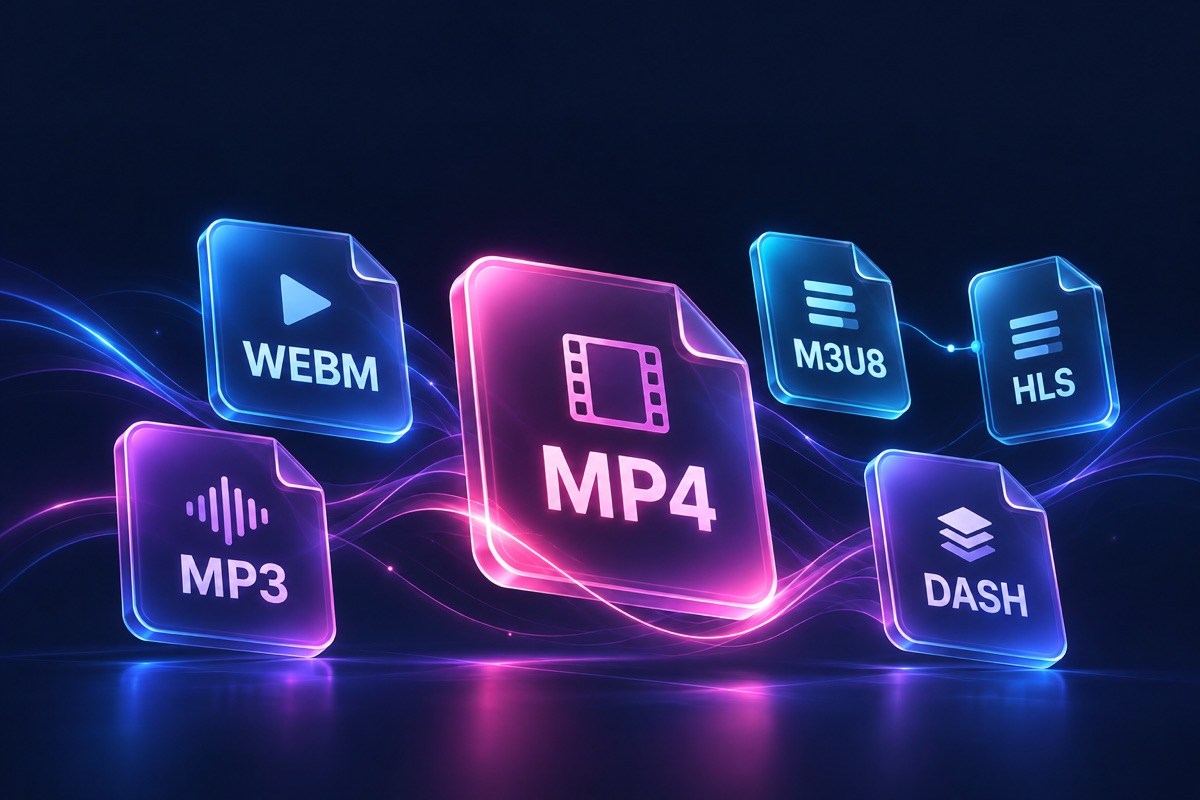
Detect and save common web media files, including MP4, WebM, MP3, M4A, and more.
TakeVid is a lightweight browser extension for downloading videos. It automatically detects available videos on webpages and saves them in original quality - HD, 4K, even 8K - so your inspiration never slips away.
No login required · Free forever
For desktop Chrome, Edge and Brave


Powered by an intelligent detection engine, TakeVid recognizes media streams across mainstream video platforms, social networks, and live streaming sites - thousands of them - with new sites adapted continuously.
Download direct files and streaming media, record playback when needed, then keep working with practical tools - all in your browser.
Detect and save common web media files, including MP4, WebM, MP3, M4A, and more.
Recognize HLS (.m3u8) and DASH (.mpd) streams, download their media segments, and assemble supported streams locally.
For media that cannot be downloaded directly, record the playing video in the browser and save the captured result.
Use configurable parallel connections for eligible downloads, so transfer speed can make better use of your available bandwidth.
Discover available renditions, compare resolution information, and preview a resource before you download it.
Use the site's local tools to trim, merge, convert, compress, add audio, or create GIFs without uploading your files.
No complicated settings - install it and go. Simple enough for anyone to pick up.
Install TakeVid in Chrome or Edge, or follow the illustrated guide to load the extracted extension in another Chromium-based browser.
Browse the web as usual. When the icon lights up, a video has been detected.
Click the icon to choose a resolution. The download starts instantly and lands in your Downloads folder.
Play a video, open TakeVid, select a detected resource, and confirm the download on the task page.
When direct downloading is unavailable, choose Record, set the start and end times on the player, and save the recording from the task page.
Nothing to install, nothing to upload. Everything runs on WebCodecs right inside your browser - your files never leave your device.
Convert animated GIFs to silent H.264 MP4 videos in your browser. Keep frame timing, choose a background color and repeat the animation 1–10 times. No upload.
Use It NowCrop a video's picture to 9:16, 1:1, 16:9 or a custom rectangle. Resize proportionally, preview the first frame and export H.264 MP4 with supported audio locally.
Use It NowPlay M3U8/HLS streams, MP4 links and local files in your browser, with speed control, loop, picture-in-picture and screenshots.
Use It NowCombine multiple clips into one MP4 in order, entirely on your device.
Use It NowSlide across a filmstrip to trim out any clip — 0.1 s precision with loop preview, all local.
Use It NowExtract the audio track from a video file and export it as MP3 / WAV / M4A / OGG.
Use It NowSpeed up or slow down video from 0.25x to 10x - great for time-lapses and slow-motion replays.
Use It NowMirror footage horizontally or vertically - perfect for selfies, workout follow-alongs, and short-video ideas.
Use It NowOverlay titles, subtitles, or watermarks with a 3x3 grid positioner and live preview.
Use It NowShrink video file size on your device, with selectable quality and resolution - no more upload limits.
Use It NowBox and cover watermarks, logos or timestamps with blur, mosaic or black.
Use It NowPull evenly spaced keyframes or capture from the playhead position - pick the count, format and size.
Use It NowTurn video clips into looping GIFs with custom width, frame rate and quality - right in your browser.
Use It NowBurn SRT or VTT subtitles into a video with adjustable position and styling.
Use It NowConvert videos locally between MP4, WebM, MKV and MOV formats.
Use It NowAdd music, voiceovers or a separate audio track to a video. Mix it with the original sound or replace the original audio.
Use It NowUpscale videos locally in your browser. Choose a higher output resolution and preview the result before downloading.
Use It NowPrivacy first: parsing and transcoding happen entirely on your device and are wiped when you close the tab - no servers involved.
From protocols to codecs, bitrate to containers - clear, plain-language explanations of how video technology actually works.
Install TakeVid in Chrome, Edge, Brave, Vivaldi or Opera: download the ZIP, load the extracted folder and pin the extension, with screenshots for every key step.
Read ArticleWhen you hit play on a web video and it starts within seconds, adaptive streaming protocols like HLS and DASH are doing the heavy lifting. Here is how they work.
Read ArticleTwo videos, both 1080p: one is 200 MB, the other just 80 MB, yet the quality is nearly identical. The difference is the video codec. From H.264 to AV1, here is how compression efficiency kept climbing.
Read ArticleYes. TakeVid is always free, with no registration or login required.
No. The extension pulls the original video stream, so the file is exactly what you played in the browser - up to 4K / 8K HDR.
TakeVid supports desktop Chrome, Microsoft Edge and other Chromium-based browsers, including Brave, Vivaldi and Opera.
Media detection, parsing, and downloads happen in your browser. We do not upload downloaded video content or detected media addresses to TakeVid servers. Information you voluntarily submit as feedback is used only to handle that feedback.
First, update to the latest version; some sites only load the media stream after a few seconds of playback. If it still fails, reach us via the feedback channels at the bottom of the page - most sites are adapted within 48 hours.
No. The online player, video merger, and audio extractor all run locally in your browser. Files are never uploaded to any server and are released as soon as you close the page.
To respect copyright and follow Chrome Web Store policies, TakeVid disables media detection and downloads on YouTube pages and related domains. This restriction applies to every supported browser.
Download and extract the ZIP, open your browser's extensions page, enable Developer mode and select Load unpacked. Choose the folder that directly contains manifest.json, then pin TakeVid to the toolbar. Our illustrated guide explains each step. Read the illustrated installation guide
TakeVid supports desktop Chrome, Microsoft Edge and other Chromium-based browsers, including Brave, Vivaldi and Opera.
Safety-Checked Installer · No Bundles · Uninstall Anytime